A hand drawing a kolam in white rice flour at a doorstep

Daftar runs the school day on a classroom tablet that never waits for the internet.

Registers, fee receipts, lesson logs and exams are recorded in the room and reach the office whenever the network allows. One owner rents it to many schools and can switch any school or tablet off from a single console.

Crest code SVM-KOL

One Wednesday at Sharada Vidya Mandir, Kolhapur.

642 learners, 38 staff, four classroom tablets and an office counter. Here is how the records move through a single day, from the first register to the owner's last check at night.

08:10

The register is taken before the Wi-Fi wakes up.

Vaishali Kulkarni ticks 36 learners of VII-B on the classroom tablet. The east wing drops signal most mornings, so the register is saved on the tablet first and waits in its queue.

  • One tick per learner, the absent list read back before saving
  • Saved on the tablet, sent the moment signal returns
  • Learners heading below 75% are flagged for the class teacher
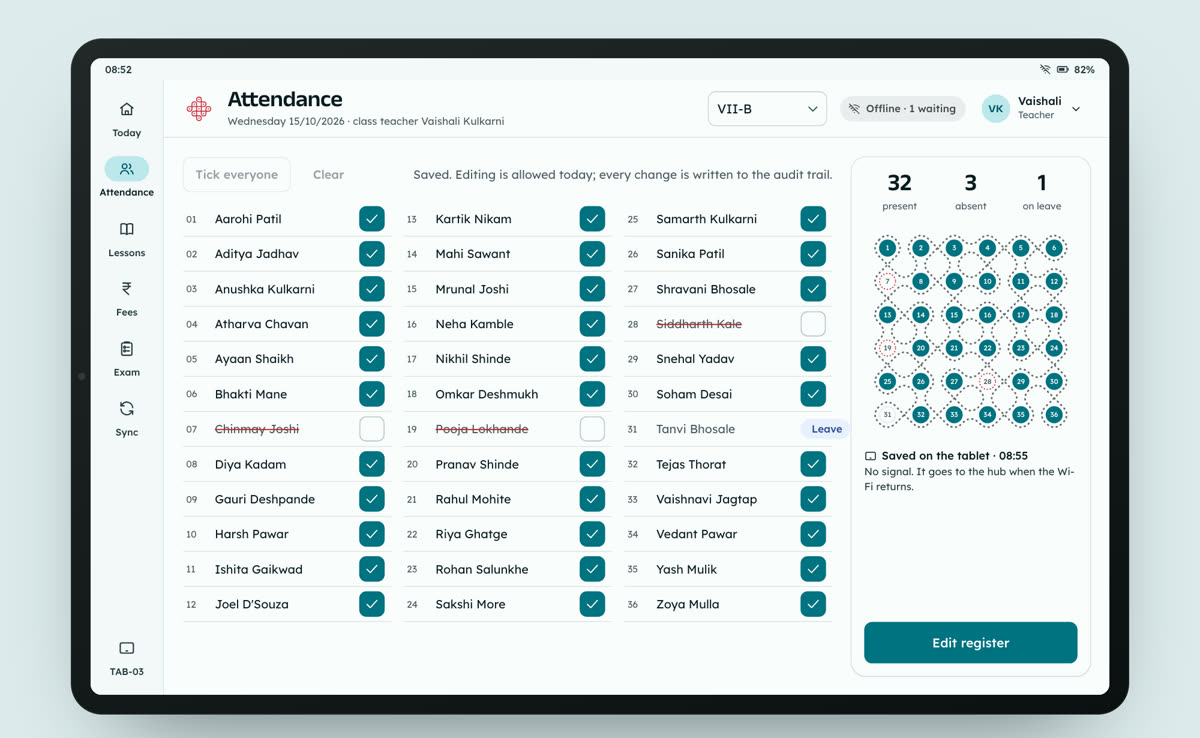
Take the VII-B register
The attendance screen on a classroom tablet: VII-B saved offline with 32 present, 3 absent and 1 on leave, the class kolam drawn in grey dots until it syncs
Attendance, VII-B, saved on the tablet while offline.
08:31

A fee receipt with its own number, signal or not.

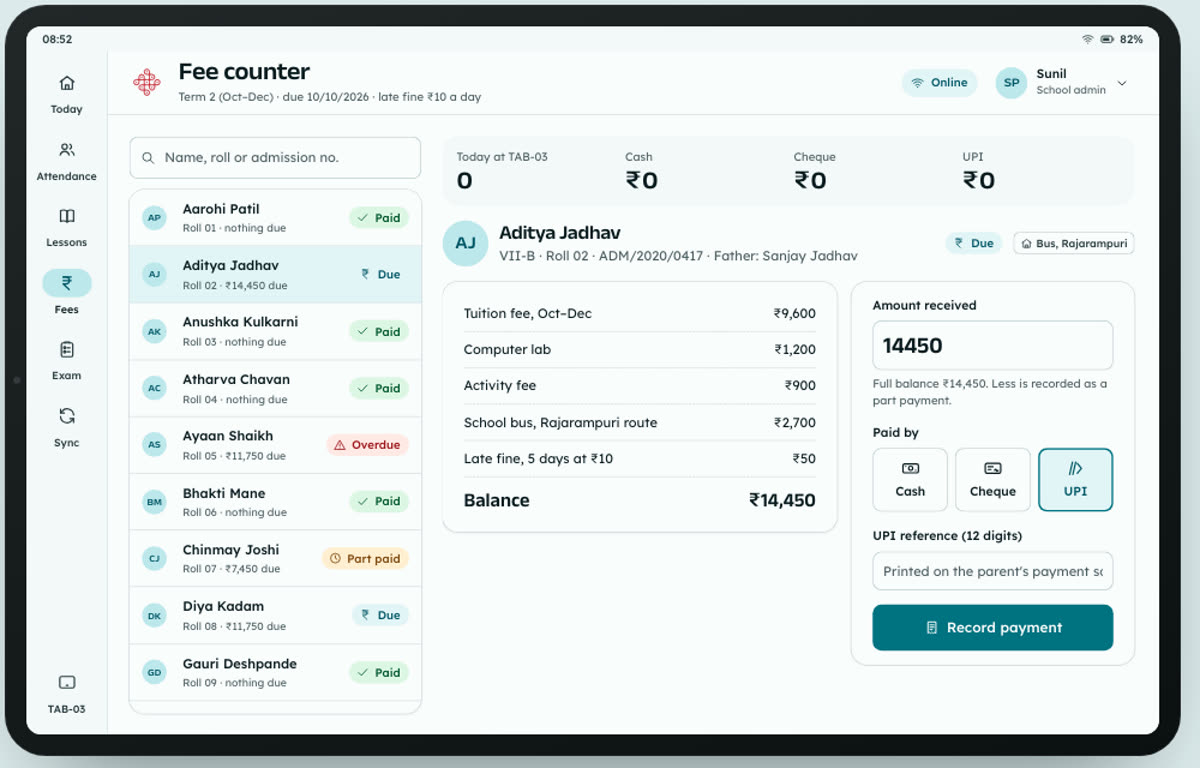
At the office window a parent pays the second term by UPI. The clerk's tablet prints receipt TAB-03/0413 with the amount in words. Every tablet has its own series, so two counters never issue the same number.

  • Cash, cheque or UPI against the learner's real dues
  • Fine and concession worked out, no tax line on tuition
  • The hub ledger and day close pick it up on the next sync
Cut a receipt
A fee receipt on the tablet with a counterfoil, the paid stamp and the amount in words
Fee counter, tablet TAB-03 in the school office.
11:10

Thirty-six learners sit the same timed paper.

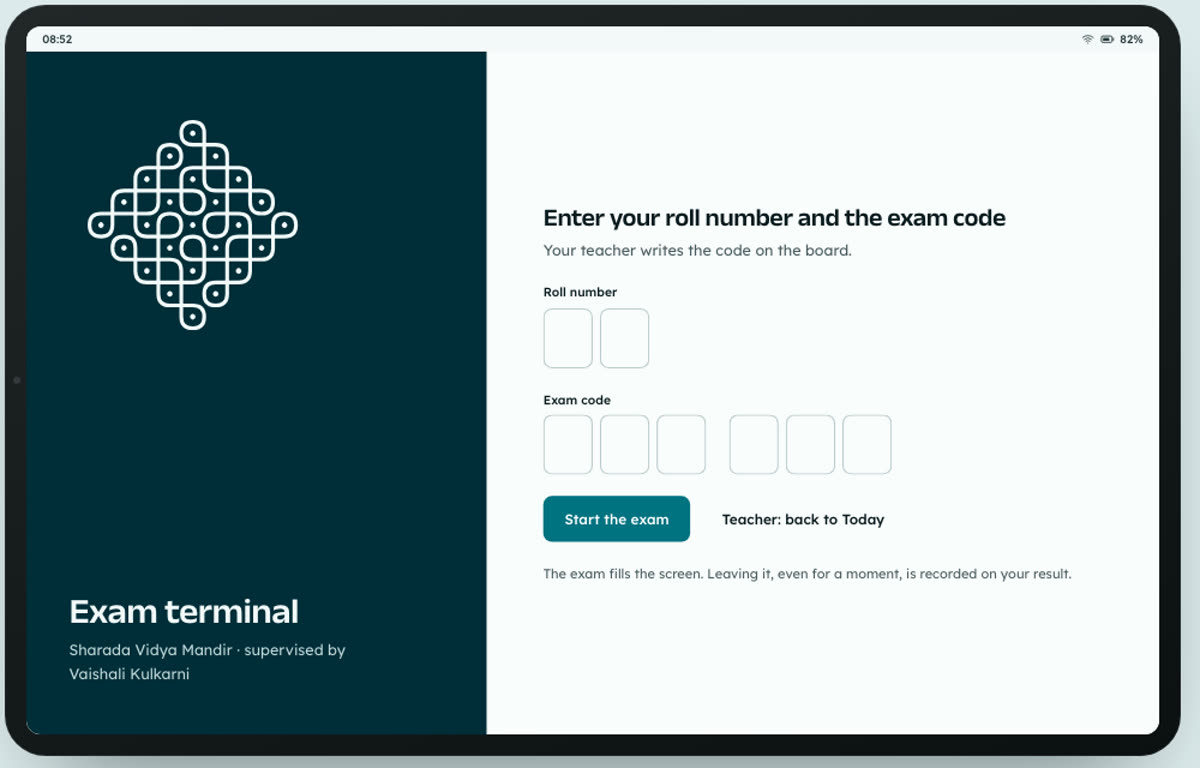
Each learner enters a roll number and the exam code MTH7B2. The paper runs full screen with answer bubbles. If anyone leaves the screen, the minute is recorded, and the paper scores itself when time is up.

  • Questions, answers and timing come from the hub
  • Answers saved on the tablet as each bubble is filled
  • Leaving the exam screen is flagged with the time
Sit the exam
A timed multiple-choice question with four answer bubbles and a question map
Exam terminal, Mathematics VII-B, 40 minutes.
13:40

By lunch the principal sees the whole school.

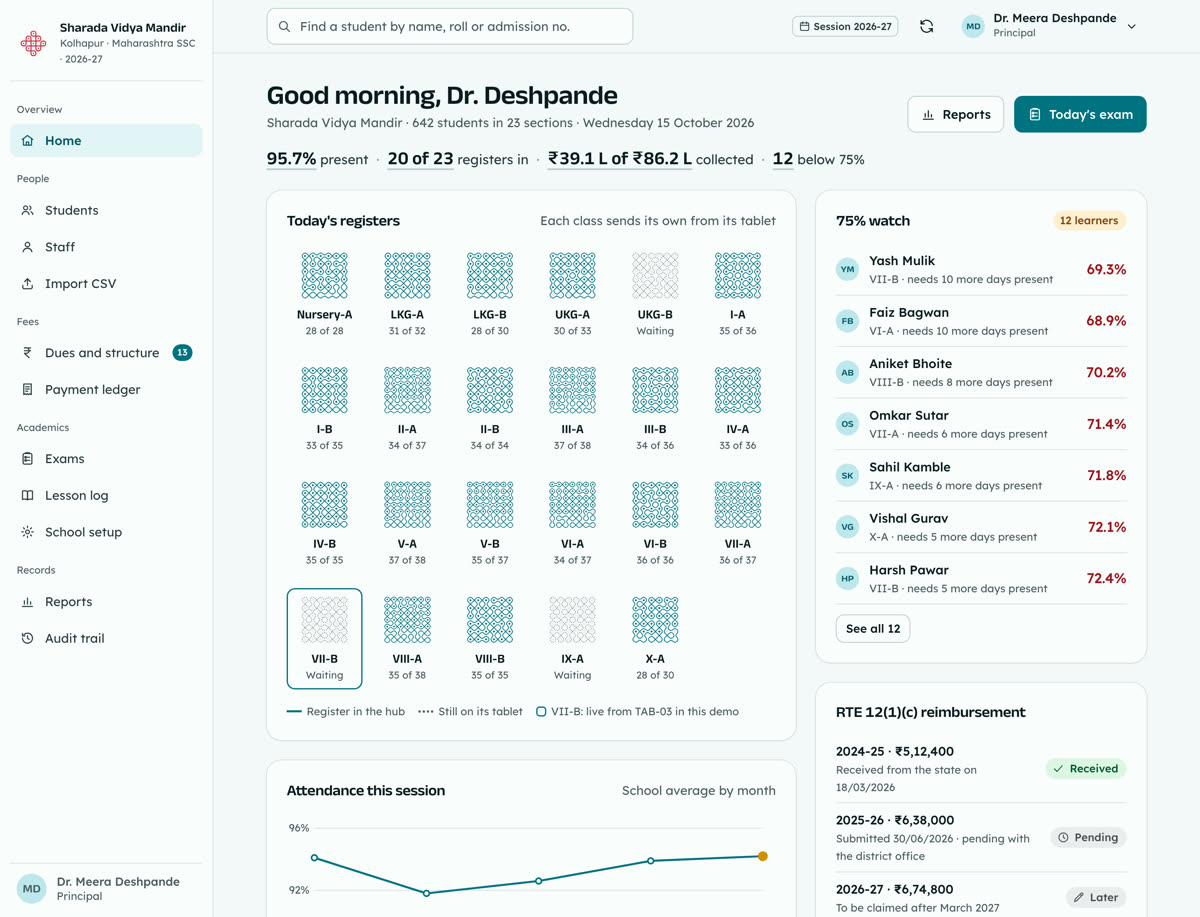
Dr. Meera Deshpande opens the hub on her laptop: which registers are in, what the counters collected, who is slipping below attendance eligibility, and the exam results with every leave-screen flag beside the score.

  • Every section's register, with the ones still on a tablet marked
  • Collections by counter, with the day close reconciled
  • Five years of reports, filtered and exported in one click
Open the principal's hub
The web hub home for the principal: a one-line summary, each class register drawn as its own kolam, and the 75% watch list
Web hub, Sharada Vidya Mandir, Kolhapur.
20:41

Rent overdue? One switch, applied at the next check-in.

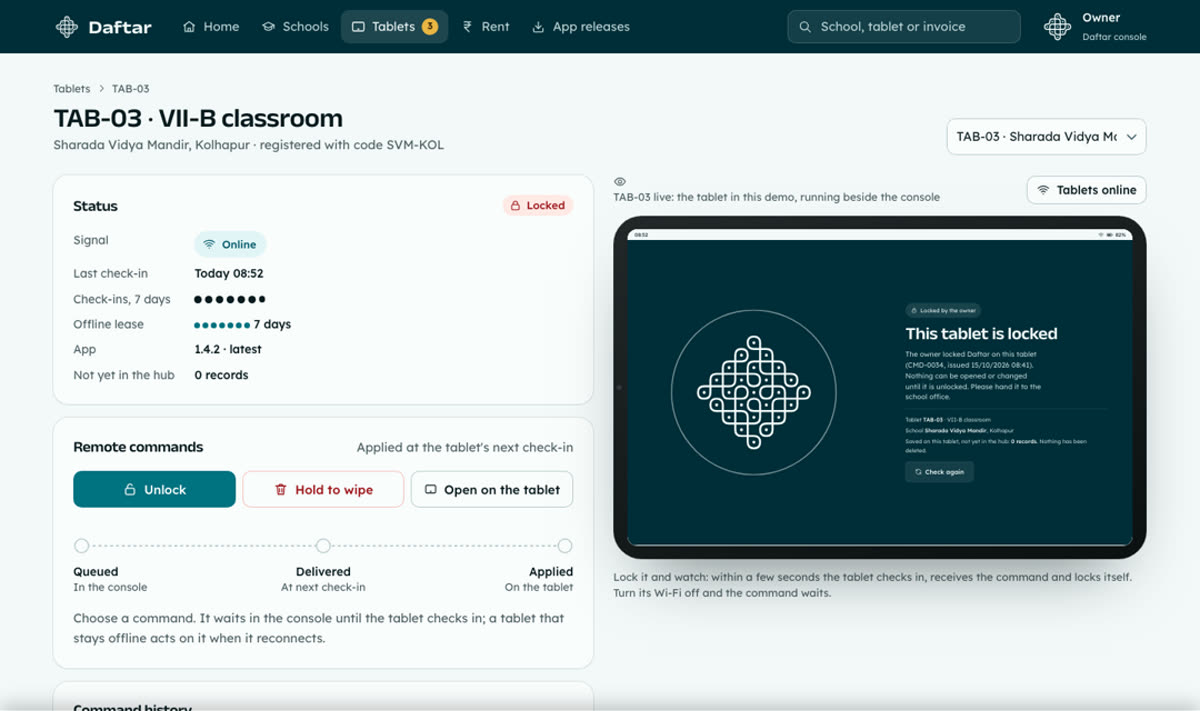
From her console the owner sees every school she rents to and every tablet in them. She locks a tablet left in a staff room or pauses a school whose rent is overdue. The command waits for the tablet's next check-in and the console shows it arrive.

  • Queued, delivered at check-in, applied: each step timed
  • A seven-day lease locks any tablet that stops syncing
  • Wipe returns a lost tablet to first-run registration
Lock a tablet
The owner console showing tablet TAB-03 with its lock and wipe controls and the command journey
Owner console, tablet TAB-03 with the live tablet beside it.
Two schoolchildren in uniform walking through tall grass

Made for the school at the end of the road.

Some classrooms see two bars of signal before lunch and none after. Daftar keeps working through all of it, and each record leaves the tablet whenever the network lets it, exactly once.

Every school wears its own mark.

When a school is added, Daftar draws its crest from the school code using the same dot-grid rules as the kolam at the gate each morning: one set of rules, a different line for every school. The crest and the school's colour follow it onto its tablets, its receipts and its hub.

And everyone lands on their own day. The teacher opens on their periods, the clerk on the counter, the principal on the whole school, the owner on what needs attention tonight.

Add a school and draw its crest

What holds when the network doesn't.

  1. Saved first, sent laterEvery entry is written on the tablet before anything else, then queued. Each record carries its own number, so a retry never makes a duplicate.Sync centre
  2. Lock and wipe from anywhereCommands reach a tablet at its next check-in. A wiped tablet goes back to registration and needs the school's key again.Tablet fleet
  3. A seven-day leaseA tablet that has not synced for seven days, or whose school is paused, locks itself and says which of the two it is.Lease and version
  4. Each school in its own data areaCreated with the school. Teachers see their own classes, the clerk sees the counter, and no screen reaches into another school.Data and backups
  5. Every fee and attendance change on the recordVoids and corrections leave an entry with who and when. Nothing is deleted, and backups run every night.Audit trail

Five schools and twelve tablets are already in Daftar. Open any of them.